
Availability
 Users, Editors, and Admins
 All organizations and accounts
 Exclusive to select subscription plans
Regularly reviewing the data in a dataset helps ensure its accuracy and proper setup. This practice allows companies to identify any discrepancies, verify that the dataset is correctly structured, and ensure it's aligned with their objectives. By maintaining clean and reliable data, companies can make more informed decisions and optimize operations effectively.
You can access a dataset from any of the following pages:
Once there, locate the dataset in the list and click View data to open it.
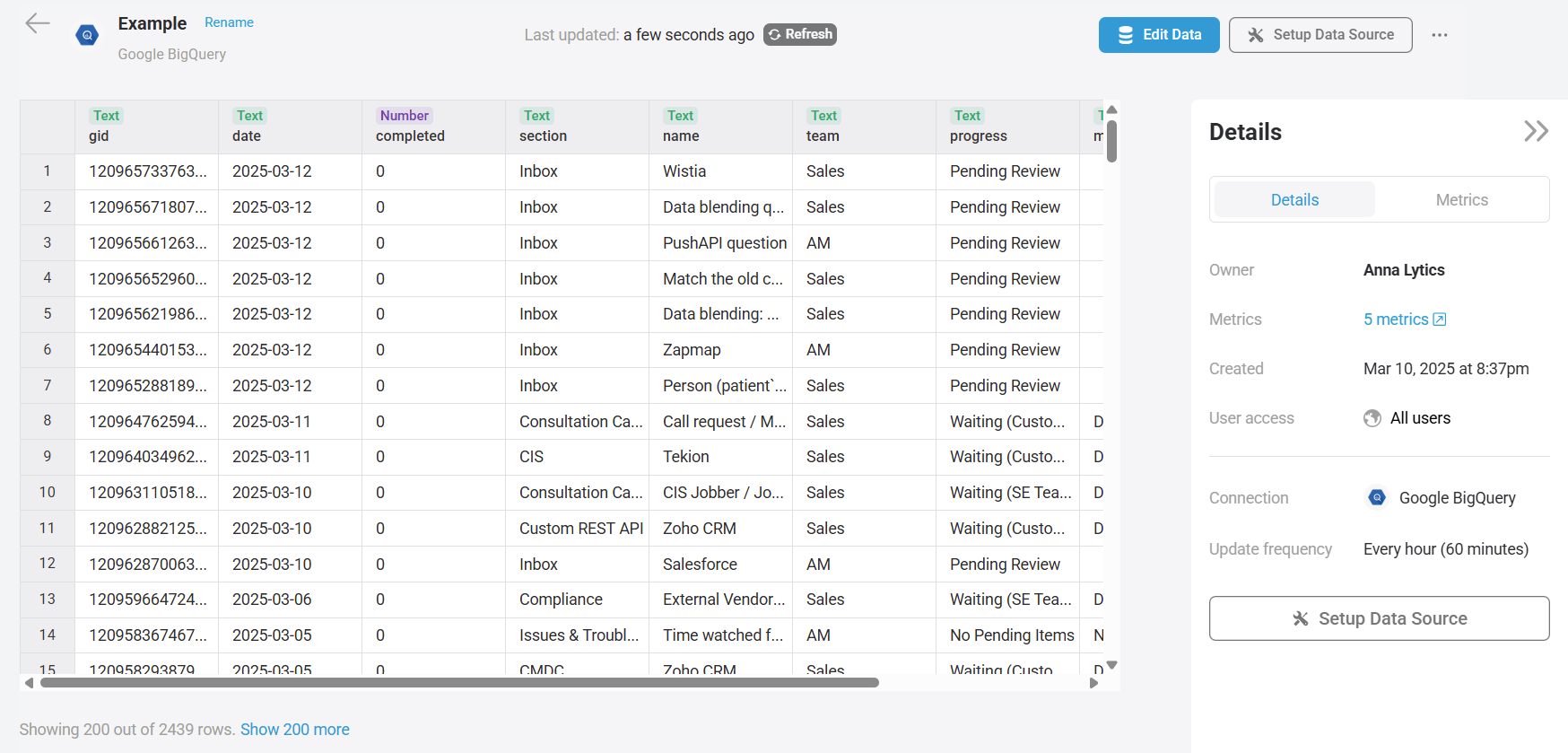
At the top, you'll see the last update time, indicating when data was last retrieved from the data source.
Below, the first 200 rows of the dataset are displayed. To view additional rows, click Show 200 more at the bottom.
On the right-hand panel, you'll find details about the metrics created from the dataset, along with settings such as ownership, creation time, and update frequency.
FAQ
How many rows can I view in the dataset?
There is no limit to the number of rows you can view. However, the larger the dataset, the more resources it will consume in your browser, which may eventually cause the application to stop responding.


