
Availability
 Users, Editors, and Admins
 All organizations and accounts
 One or more features exclusive to select subscription plans or add-ons
Vimeo is a video hosting and sharing platform used by creators and businesses to upload, manage, and distribute high-quality video content. It provides data on video views, plays, engagement, and audience behavior, but keeping that data in a separate platform makes it harder to connect video performance to the rest of your business. Connecting Vimeo to Databox brings your video analytics into your dashboards so you can monitor content performance and track engagement alongside your other key metrics.
If your credentials don't include full access to the data source, make sure your access level meets any permission requirements listed in the Specification section of the integration's page in the Metric Library.
To connect Vimeo to your Databox account for the first time, a Vimeo authorization page will open. Log in with your email and password, or use your Facebook, Google, or Apple account.
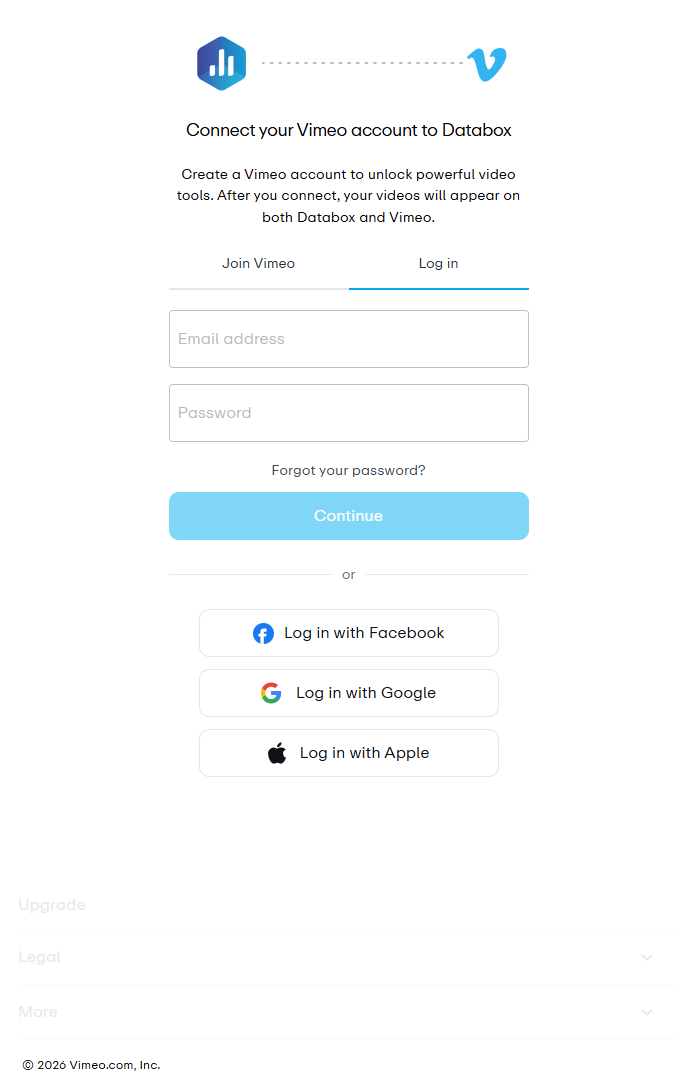
When you approve the Databox app, you authorize a secure connection to your Vimeo account. This allows Databox to access only the reporting data needed to track and visualize your video performance. No changes are made to your videos, and you can revoke access at any time from your Vimeo settings.

The Vimeo integration supports the creation of datasets, which allow you to structure and format your Vimeo data for more flexible reporting in Databox. By organizing your data into a tabular format, datasets make it easier to filter, segment, and visualize key metrics across projects, clients, and team members.
The entity relationship diagram (ERD) below illustrates how data is organized within the Vimeo integration, displaying the available views and columns, as well as the relationships between them (primary and foreign keys). This diagram represents the schema, or structure, of the data and helps you understand the underlying data model. With this context, you can create datasets using the relevant views and columns to build custom metrics tailored to your reporting needs.
For comprehensive details on metrics, data availability, templates, specifications, usage guidelines, and other key information, refer to the resources listed below.


FAQ
What happens if my Vimeo authorization is revoked?
If you revoke Databox's access from your Vimeo settings, the connection will stop syncing new data. To resume syncing, reconnect your Vimeo account in Databox.


