


Vimeo OTT is a white-label video streaming platform that lets businesses launch subscription and pay-per-view channels directly to their audience. It provides detailed data on video plays, finishes, subscribers, and revenue, but keeping that data in a separate dashboard makes it harder to see how your video channel is performing alongside the rest of your business. Connecting Vimeo OTT to Databox brings that streaming data into your dashboards so you can monitor content engagement, track subscriber growth, and report on video performance in context with your other key metrics.
If your credentials don't include full access to the data source, make sure your access level meets any permission requirements listed in the Specification section of the integration's page in the Metric Library.
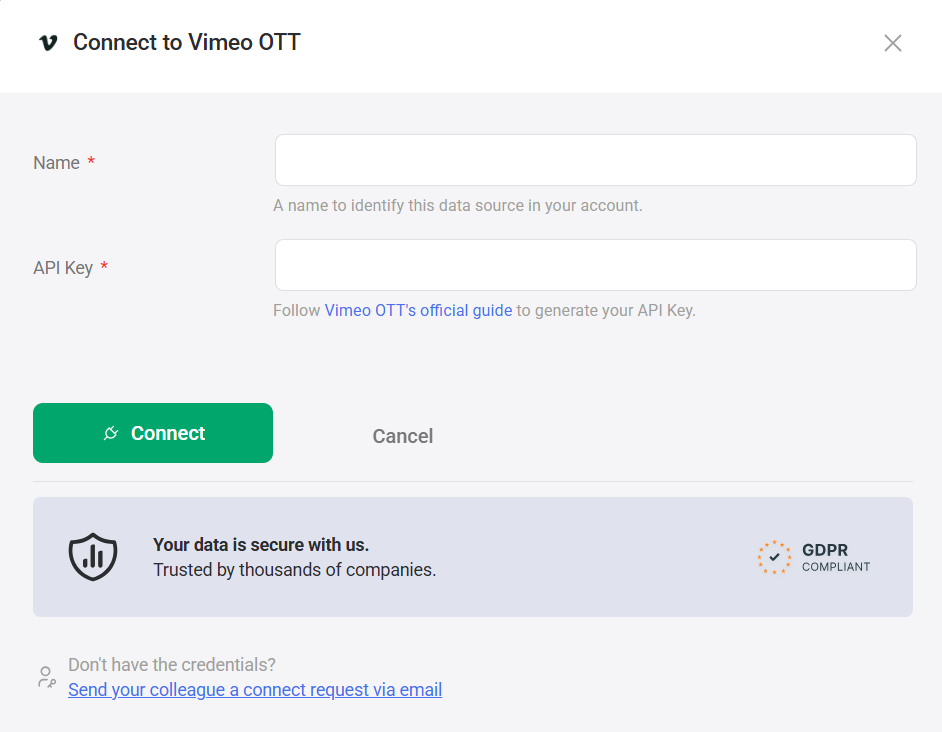
Databox uses an API key to authenticate your Vimeo OTT connection.
Follow Vimeo OTT's official guide to generate your API key.
After generating the key, copy and store it securely — Vimeo OTT does not display it again after you leave the page.
- Enter a Name to identify this data source in your account.
- Paste the API key from Step 1 into the API Key field.
- Click Connect.
For comprehensive details on metrics, data availability, templates, specifications, usage guidelines, and other key information, refer to the resources listed below.


FAQ
What happens if my API key is regenerated or revoked?
If your API key is deleted or becomes invalid, the connection between Vimeo OTT and Databox will stop syncing new data. You will need to generate a new API key in Vimeo OTT and update your connection in Databox with the new key. Note that API keys are tied to the site Owner — if site ownership changes, all existing keys are disabled and a new key must be generated.


