


Eventbrite is an event management and ticketing platform used to create, promote, and sell tickets for in-person and virtual events. Tracking event performance — registrations, attendance rates, and revenue — separately from the rest of your marketing data makes it hard to evaluate the full impact of your event strategy. Connecting Eventbrite to Databox brings your event metrics into shared dashboards alongside your other data sources, so you can report on attendance trends, measure ticket sales, and surface attendee survey insights without switching tools.
If your credentials don't include full access to the data source, make sure your access level meets any permission requirements listed in the Specification section of the integration's page in the Metric Library.
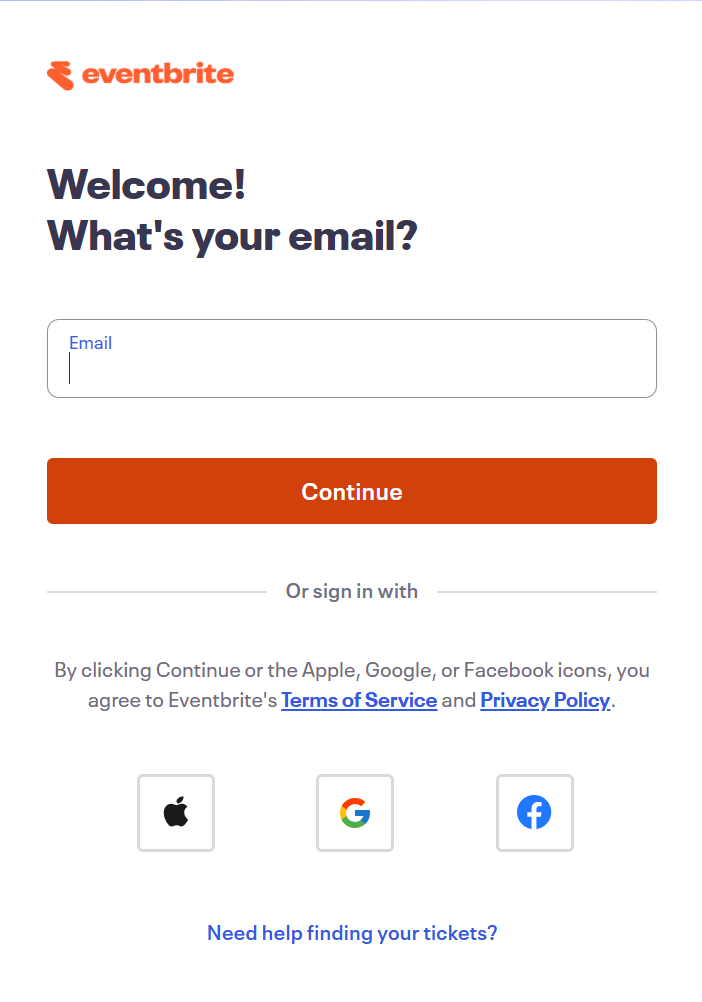
To connect Eventbrite to your Databox account for the first time or with new credentials, log in using your email address, or sign in with your Apple, Google, or Facebook account.
If you've already established a connection, you can reuse it to add new events, as long as those events are accessible with the existing connection's credentials.
Select the Eventbrite organization you want to connect to Databox.
Select the specific event you want to track.
The Eventbrite integration allows you to create custom metrics using the metric builder, ideal for visualizing data not included in the basic metrics offered by the integration.
Survey Questions represents the answers collected from attendees through your Eventbrite event surveys. Use this entity to build metrics that measure responses to a specific question across your attendee list.
To create a custom metric, start by selecting a Question from the list of questions available in your event. Next, optionally select one or more Dimensions to break the data down by — up to 5 dimensions can be applied:
- Affiliate — breaks results down by the affiliate code associated with each attendee
- Answer — breaks results down by the individual answer text provided by attendees
 In Eventbrite: Go to Manage > Surveys for the relevant event.
For comprehensive details on metrics, data availability, templates, specifications, usage guidelines, and other key information, refer to the resources listed below.


FAQ
Why can't I connect my Eventbrite account?
Eventbrite accounts with no events cannot be connected to Databox. Create at least one event in your Eventbrite account before attempting to connect.


