


Keeping your Databox login email up to date ensures you receive important account notifications, can recover access if needed, and that your account reflects your current identity — whether you've changed jobs, switched email providers, or simply want to use a different address.
- Go to Account Management > Profile.
- Scroll to the Email section and click Change.
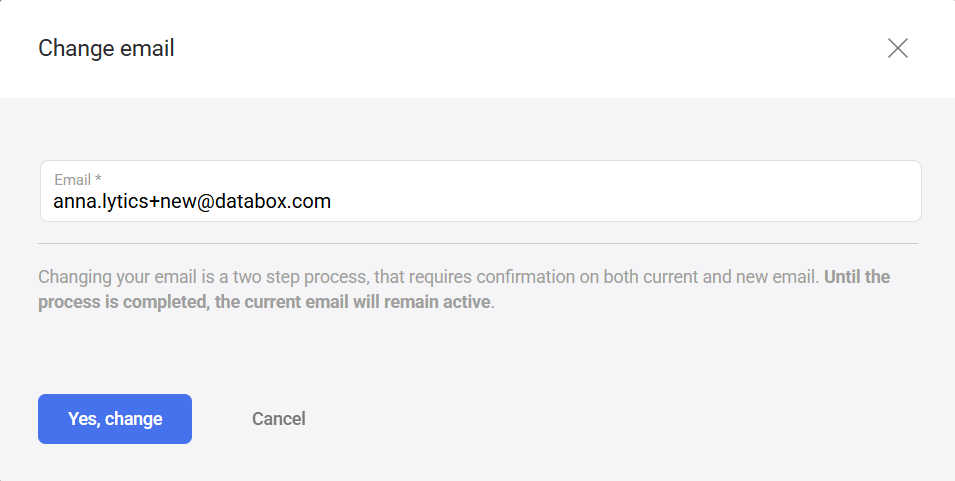
- In the Change email modal, enter your new email address in the Email field.
- Click Yes, change.
- A success message confirms the process has started.
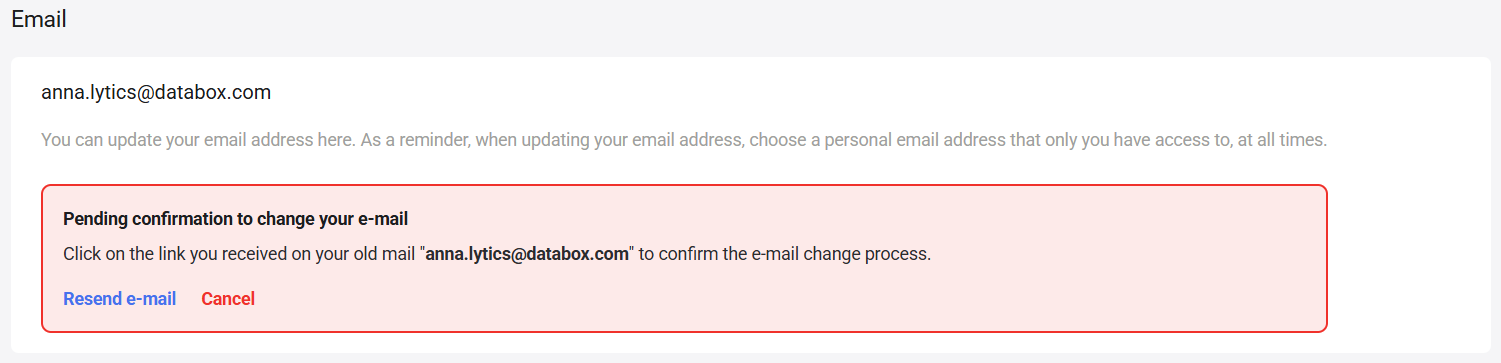
- A Pending confirmation to change your e-mail banner appears in the Email section — your current address remains active until both confirmations are complete.
- Open your current email inbox and find the Confirm change email request message from Databox.
- Click Confirm Request in the email.
- A success message confirms the first step is complete.
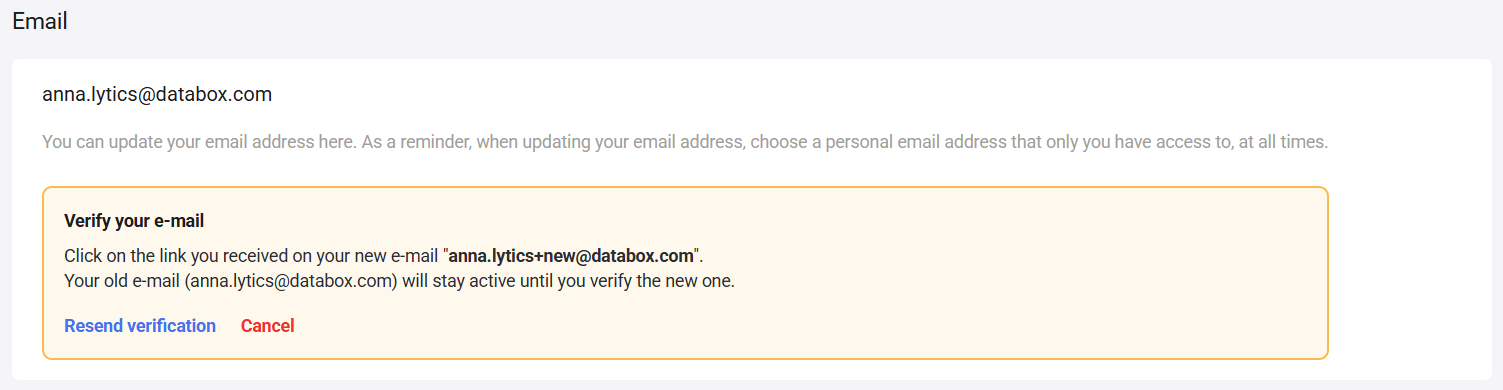
- The banner on your Profile page updates to Verify your e-mail, prompting you to check your new inbox. Your old email address stays active until verification is complete.
- Open your new email inbox and find the Verify your new email message from Databox.
- Click Verify your email in the email.
Your email address is now updated and active on your account.
The profile page shows a banner at each stage of the process. Use the links in the banner if a confirmation email doesn't arrive or you want to abandon the change.
While waiting for your current email to confirm:
- Resend e-mail — resends the confirmation email to your current address.
- Cancel — cancels the email change request entirely.
While waiting for your new email to verify:
- Resend verification — resends the verification email to your new address.
- Cancel — cancels the email change request entirely.
FAQ
Can I change my email to an address already registered in Databox?
No. If the address you enter is already associated with another Databox account, you'll see an error. Use a different address that isn't already registered.
What happens if I confirm from my old email but not my new one?
The change is not complete until both addresses confirm. Your old email stays active and the pending confirmation banner remains on your Profile page. Check your new inbox — including the spam folder — for the second confirmation email.
What if I no longer have access to my old email address?
You must confirm from your current address to complete the change. If you've lost access to it, contact Databox Support via the in-app chat or at help@databox.com.


