
Availability
 Users, Editors, and Admins
 All organizations and accounts
 One or more features exclusive to select subscription plans or add-ons
Pinterest is a visual discovery platform where brands and creators publish Pins to inspire, inform, and drive action across audiences actively searching for ideas. Tracking impressions, saves, clicks, and follower growth within Pinterest's native analytics gives you only part of the picture — it's difficult to correlate Pin performance with traffic, conversions, or other channel data when reporting is spread across separate tools. Connecting Pinterest to Databox brings your Pin and audience metrics into a shared workspace alongside your other data sources, so you can build unified social reports, track trends over time, and share results with stakeholders without switching between platforms.
If your credentials don't include full access to the data source, make sure your access level meets any permission requirements listed in the Specification section of the integration's page in the Metric Library.
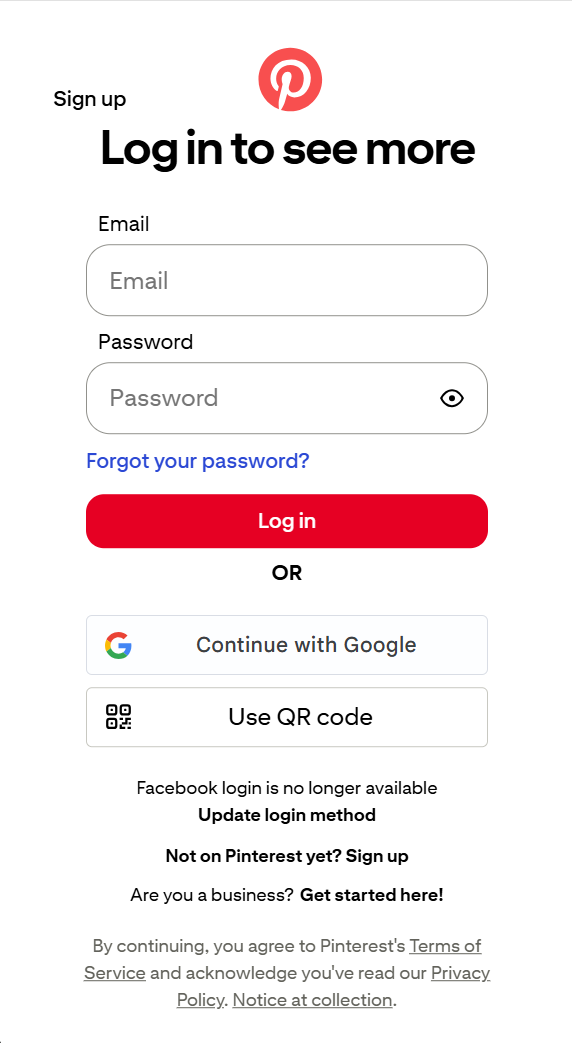
To connect Pinterest to your Databox account, sign in with your Pinterest email and password, or continue with Google or a QR code.
For comprehensive details on metrics, data availability, templates, specifications, usage guidelines, and other key information, refer to the resources listed below.


FAQ
Can I connect a personal Pinterest account?
Only Pinterest Business accounts provide access to the analytics data the integration relies on. If you're using a personal account, convert it to a Business account in Pinterest settings before connecting.


