
Availability
 Users, Editors, and Admins
 All organizations and accounts
 One or more features exclusive to select subscription plans or add-ons
YouTube is a video hosting and sharing platform used by creators and businesses to publish, manage, and grow an audience through video content. It provides data on views, watch time, subscriber growth, engagement, and audience retention, but monitoring that data alongside marketing and business metrics requires constant context-switching. Connecting YouTube to Databox brings your channel analytics into your dashboards so you can track video performance, monitor audience trends, and report on growth alongside your other key metrics.
If your credentials don't include full access to the data source, make sure your access level meets any permission requirements listed in the Specification section of the integration's page in the Metric Library.
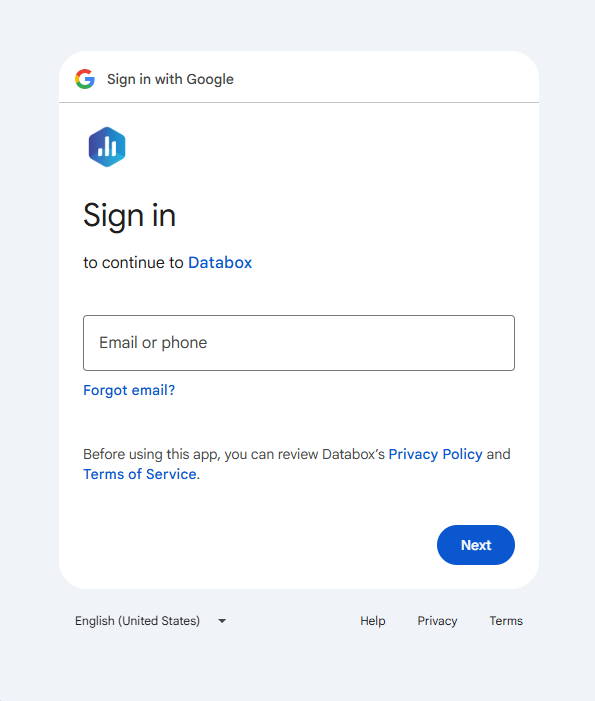
To connect YouTube to your Databox account for the first time, a Google sign-in page will open. Enter the email or phone number associated with your Google account and follow the prompts to sign in.
If you've already established a connection, you can reuse it to add new channels, as long as those channels are accessible with the existing connection's credentials.
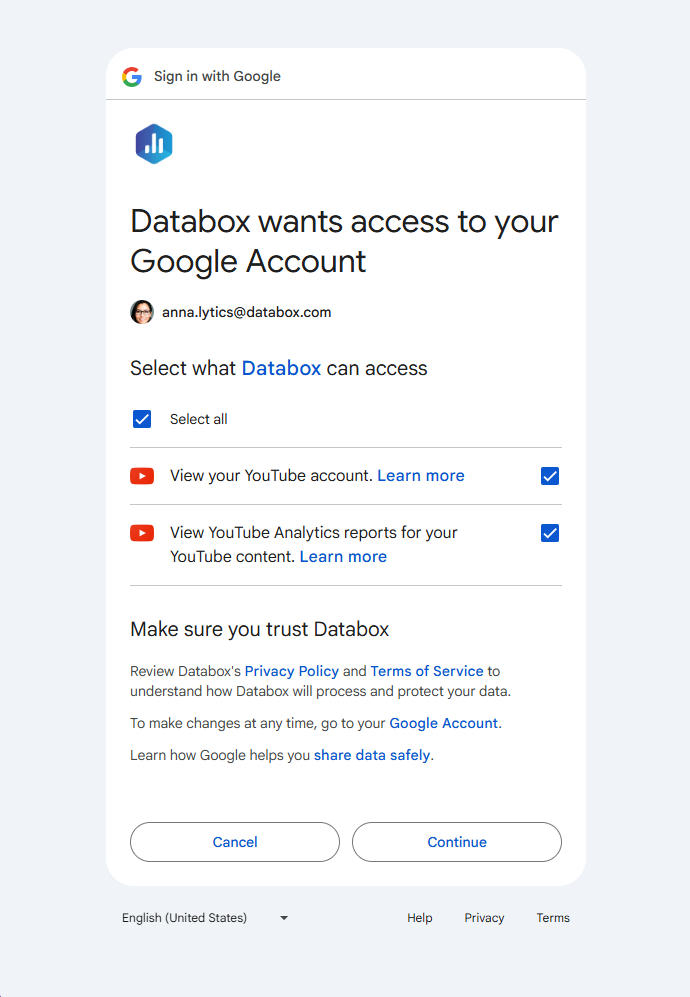
After signing in, Google will ask you to review and confirm the permissions Databox needs. Review the requested permissions and click Continue to grant access.
After granting access, select the YouTube channel you want to connect to Databox. Each channel must be added as a separate data source. You can only connect channels that you own.
Databox allows you to create custom metrics with calculations by combining metrics from different sources into a formula. However, due to YouTube's API Terms of Service, which explicitly prohibit the creation of derived metrics from YouTube API data, YouTube metrics cannot be used as operands in custom metrics with calculations.

The YouTube integration supports the creation of datasets, which allow you to structure and format your YouTube data for more flexible reporting in Databox. By organizing your data into a tabular format, datasets make it easier to filter, segment, and visualize key metrics across projects, clients, and team members.
The entity relationship diagram (ERD) below illustrates how data is organized within the YouTube integration, displaying the available views and columns, as well as the relationships between them (primary and foreign keys). This diagram represents the schema, or structure, of the data and helps you understand the underlying data model. With this context, you can create datasets using the relevant views and columns to build custom metrics tailored to your reporting needs.
For comprehensive details on metrics, data availability, templates, specifications, usage guidelines, and other key information, refer to the resources listed below.


FAQ
Why is data for the last few days missing from my YouTube metrics?
YouTube's API does not return data for reports created within the last 48 hours. As a result, the most recent 2–3 days of data may not yet be available in Databox. This is a YouTube API limitation and not specific to Databox.


