


LinkedIn is a professional networking platform used to build your personal brand, grow your audience, and share content with your network. Professionals use it to publish updates, showcase experience, expand their reach, and engage with industry peers, making it important to understand how profile and post performance evolves over time. By connecting your personal LinkedIn profile to Databox, you can centralize key data such as profile views, follower growth, and post engagement, monitor trends, measure the impact of your content, and see how your personal brand contributes to your overall goals alongside your other marketing and business metrics.
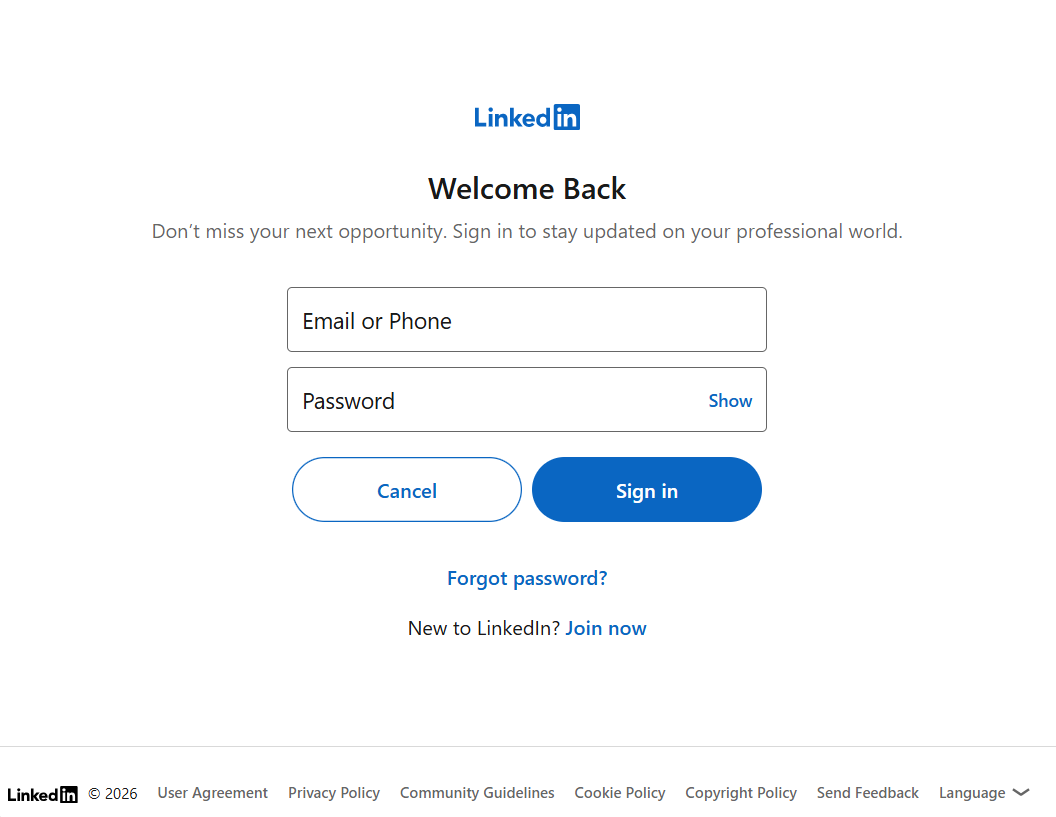
To connect LinkedIn Personal to your Databox account for the first time or with new credentials, log in using your email address or phone number.
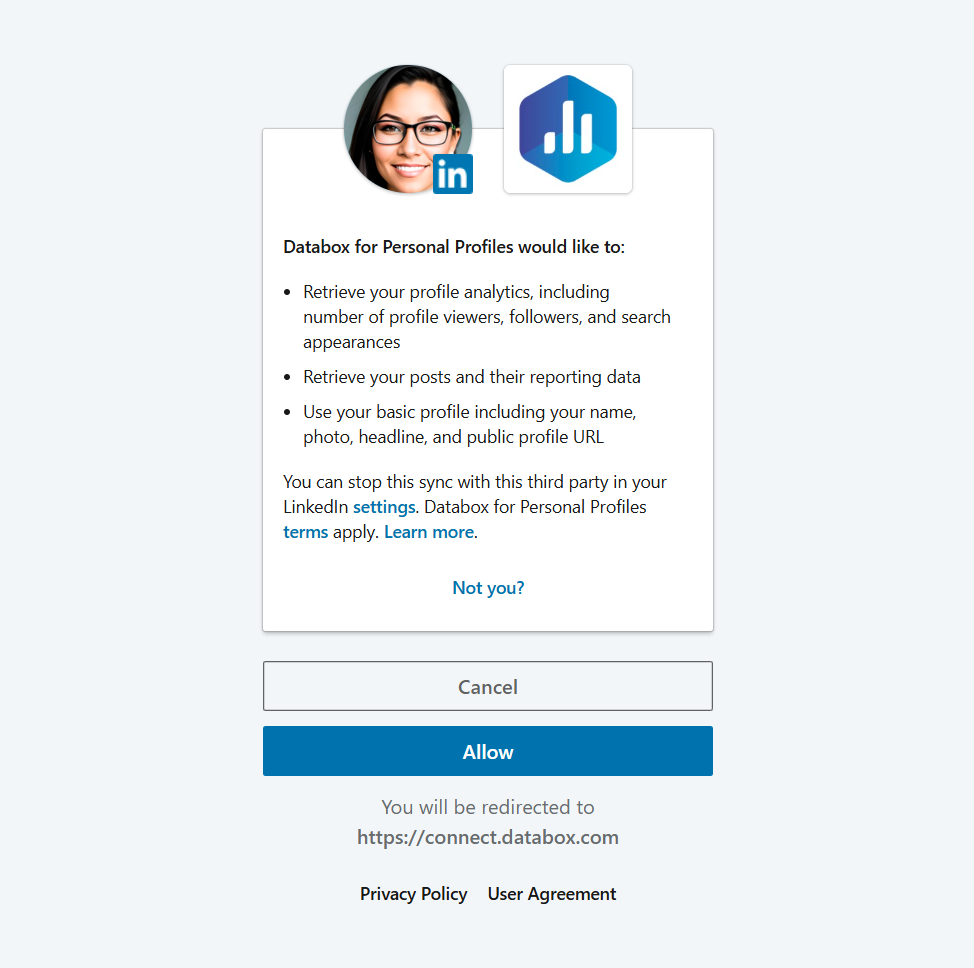
When prompted, click Allow to approve the Databox app. This creates a secure connection to your LinkedIn Personal account and grants access to the reporting data required to track and visualize your profile performance.
For comprehensive details on metrics, data availability, templates, specifications, usage guidelines, and other key information, refer to the resources listed below.


FAQ
What is the difference between LinkedIn Personal and LinkedIn Company Pages integrations?
The LinkedIn Personal integration connects to an individual LinkedIn profile and provides access to profile-level data such as profile views, follower growth, and engagement on posts published from that personal account.
The LinkedIn Company Pages integration connects to a LinkedIn Company Page and provides access to Page-level data such as total followers, impressions, clicks, and engagement on posts published on behalf of the company.
Use LinkedIn Personal to track your individual profile performance. Use LinkedIn Company Pages to track performance for a business or brand Page that you manage.


