
Availability
 Users, Editors, and Admins
 All organizations and accounts
 Exclusive to select subscription plans
Monday.com is a work management platform that teams use to plan projects, track tasks, and manage workflows on customizable boards. It brings together task assignments, timelines, status updates, and automations in one place, giving teams visibility into progress across projects. Connecting Monday.com to Databox brings this board and task data into your dashboards alongside your other business metrics.
If your credentials don't include full access to the data source, make sure your access level meets any permission requirements listed in the Specification section of the integration's page in the Metric Library.
Before you can connect Monday.com to Databox, install the Databox app on your Monday.com account. Follow the on-screen prompts to authorize the installation.
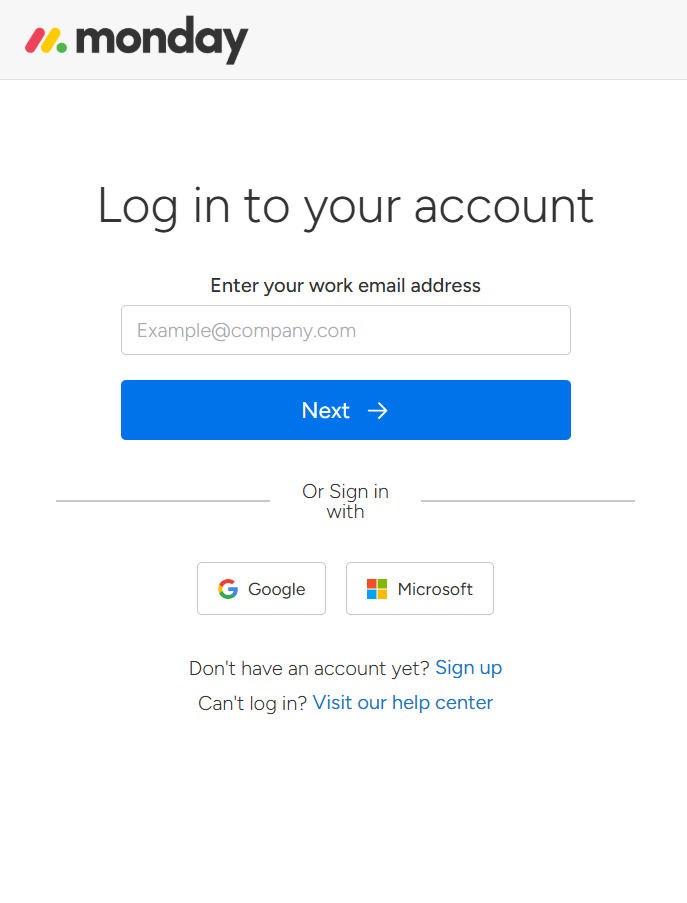
To connect Monday.com to your Databox account for the first time, or when using new credentials, log in using your work email address, or sign in with Google or Microsoft.
FAQ
How do I revoke Databox's access to my Monday.com account?
Remove the Databox app from your Monday.com account under your admin Apps settings. This disconnects the OAuth authorization and stops any further data access.
Why are certain boards or columns unavailable when creating a dataset?
Databox retrieves raw data directly from Monday.com's APIs. If a board or column is missing, it's likely due to limited API support or technical implementation restrictions. If there's something you'd like to see included, feel free to submit a request, so we can consider it for future updates to the integration.


