
Availability
 Users, Editors, and Admins
 All organizations and accounts
 Exclusive to select subscription plans
Airtable is a flexible, no-code platform that combines the familiarity of a spreadsheet with the power of a relational database. It allows teams to organize data, manage projects, and automate workflows in a highly visual and customizable way. With features like linked records, multiple view types, and integrations, Airtable helps teams centralize information, streamline collaboration, and adapt to virtually any business process.
If your credentials don't include full access to the data source, make sure your access level meets any permission requirements listed in the Specification section of the integration's page in the Metric Library.
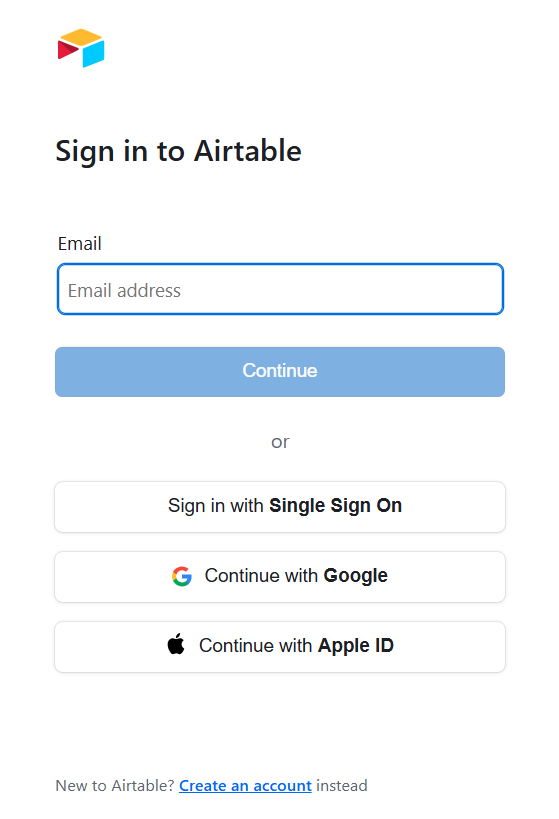
To connect Airtable to your Databox account for the first time, or when using new credentials, log in using your email address, Google account, Apple ID, or SSO provider.
If you've already established a connection, you can reuse it to add new accounts, as long as those accounts are accessible with the existing connection's credentials.
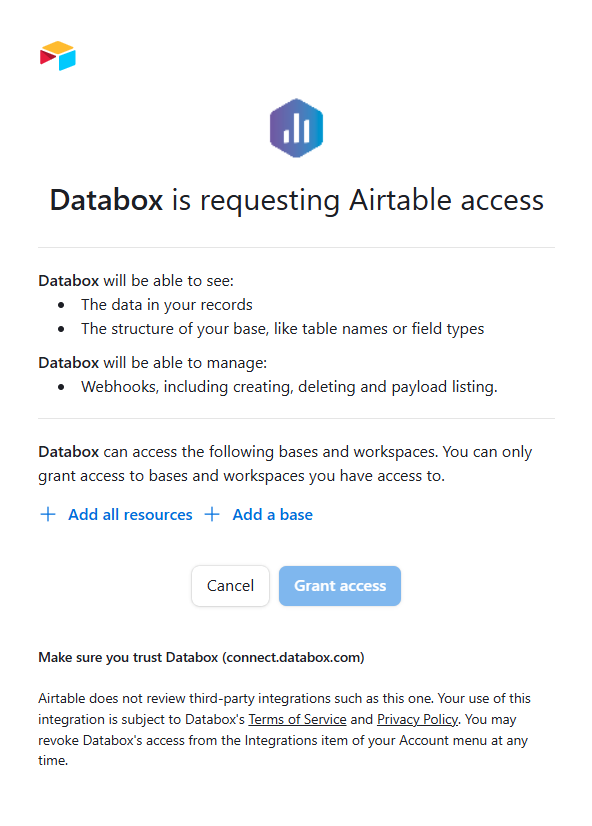
When prompted, select which Airtable resources Databox can access. You can either:
- Add all resources to grant access to every base and workspace you have permission to view, or
- Add a base to include only specific bases you want to connect.

If you don't authorize all available resources now, you may need to repeat this connection step later to grant access to additional bases.
The Airtable integration supports the creation of datasets, which allow you to define and shape the specific data you want to use for reporting in Databox. Datasets make it easier to focus on the most relevant information, enabling you to filter, visualize, and analyze metrics across projects, teams, and clients without writing complex queries each time.
- Select an object or table: Choose the Airtable object or table that contains the data you want to work with.
- Select columns: Browse and select the specific columns to include in your dataset.
For comprehensive details on metrics, data availability, templates, specifications, usage guidelines, and other key information, refer to the resources listed below.


