
Availability
 Users, Editors, and Admins
 All organizations and accounts
 Exclusive to select subscription plans
HubSpot includes many built-in standard objects — Contacts, Companies, Deals, Tickets, and others — but they don't always map cleanly to what your business actually tracks. Custom Objects is an Enterprise-tier feature that lets teams define their own record types with custom properties and associations: a logistics company might create a Shipment object, a dealership might create a Vehicle object, or a gym might create a Membership object. Connecting HubSpot Custom Objects to Databox makes those records and properties available in the metric builder, so you can build and track metrics from any custom data you manage in HubSpot alongside the rest of your business data.
If your credentials don't include full access to the data source, make sure your access level meets any permission requirements listed in the Specification section of the integration's page in the Metric Library.

To connect HubSpot Custom Objects to your Databox account for the first time, log in using your HubSpot credentials.
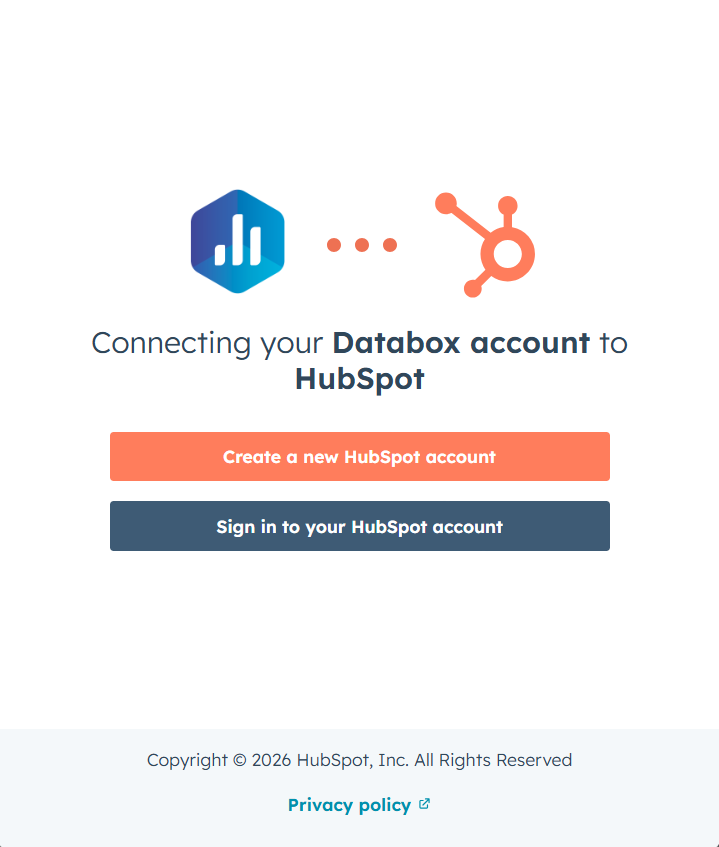
Select the HubSpot account you want to connect to Databox.
HubSpot will display the list of permissions Databox needs to access your data. Review these carefully, then accept the terms to proceed.
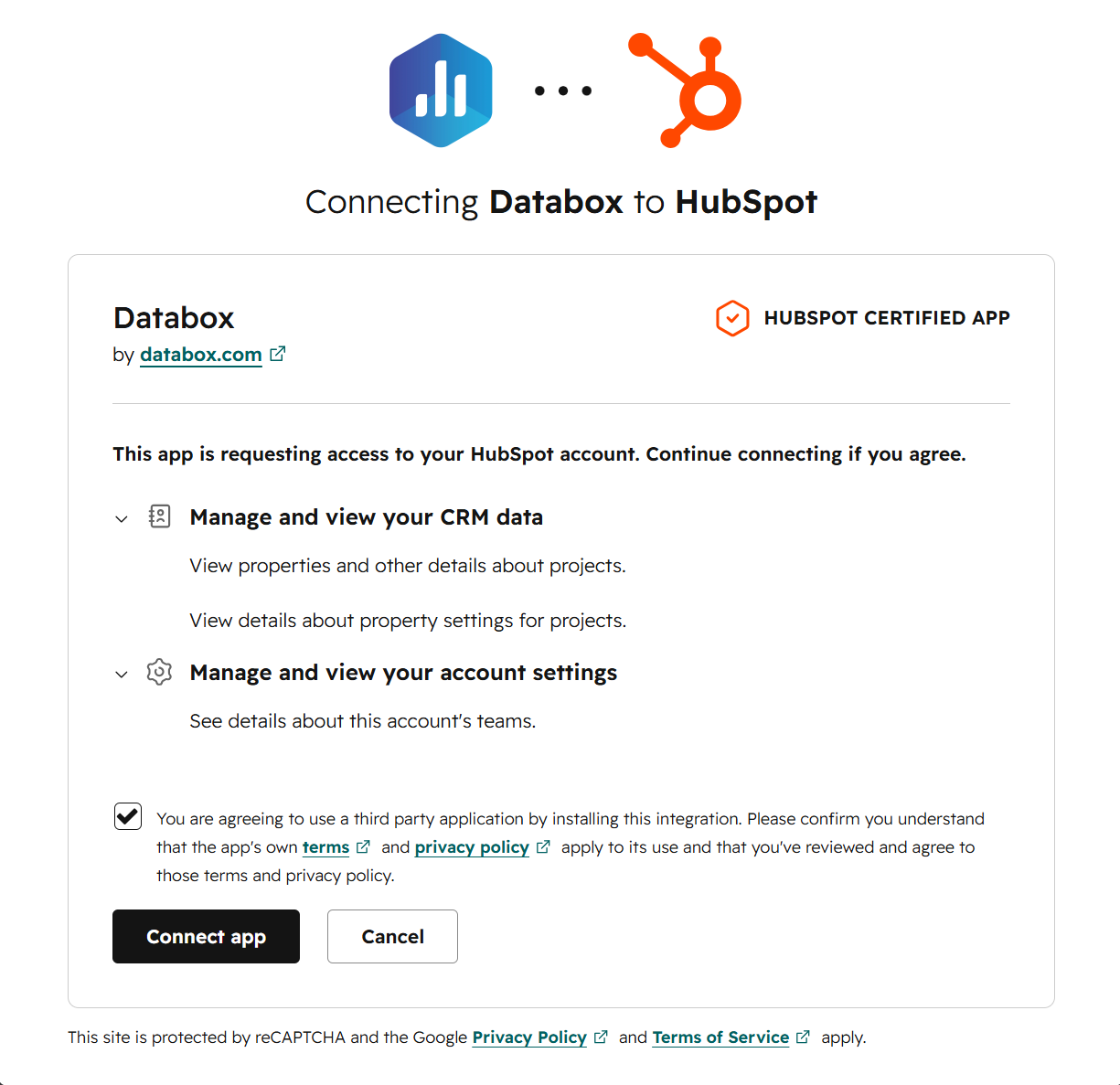
Click Connect app to grant Databox access to your HubSpot account and complete the connection.
To remove the HubSpot Custom Objects integration, you can either uninstall the Databox app from your HubSpot account or delete the connection from within Databox. These two actions have different effects on your data, so it's worth understanding the distinction before proceeding.
Uninstall from HubSpot removes Databox's access at the source. Follow the steps in HubSpot's documentation to uninstall the app from your HubSpot account. This stops Databox from syncing any new data from HubSpot, but all data already synced to your Databox account remains intact.
Delete the connection or data source in Databox removes the integration from the Databox side. Follow the steps to delete the connection or delete the data source from within Databox — either action will remove both. This stops future syncs and permanently purges all HubSpot Custom Objects data already synced to your account.
The integration supports the creation of datasets, which allow you to structure and format your data for more flexible reporting in Databox. By organizing your data into a tabular format, datasets make it easier to filter, segment, and visualize key metrics across projects, clients, and team members.
For comprehensive details on metrics, data availability, templates, specifications, usage guidelines, and other key information, refer to the resources listed below.


FAQ
What is the difference between the HubSpot CRM, HubSpot Marketing, HubSpot Service, and HubSpot Custom Objects integrations in Databox?
Each HubSpot integration in Databox pulls data from a different part of the platform:
- HubSpot CRM — deals, companies, and sales engagement activities such as calls, meetings, notes, emails, and tasks.
- HubSpot Marketing — email campaigns, blog post and landing page performance, contact lifecycle stages, and automation workflows.
- HubSpot Service — tickets, ticket pipelines, and service workflows.
- HubSpot Custom Objects — user-defined record types your team has created in HubSpot Enterprise, such as Shipments, Vehicles, or Memberships, that don't fit the standard object structure.
You can connect all four integrations to the same Databox account to get a unified view across your entire HubSpot data model.


