


Google AdSense is a monetization platform that allows website owners and content publishers to earn revenue by displaying ads served by Google's advertising network. Publishers add AdSense code to their sites and Google automatically serves relevant ads, with earnings tracked across metrics like impressions, clicks, page RPM, and estimated revenue. Connecting Google AdSense to Databox brings that publisher revenue data into dashboards alongside your traffic, SEO, and other marketing data, so you can monitor how site performance drives ad earnings, spot trends across ad units and properties, and share monetization reports with stakeholders in one place.
If your credentials don't include full access to the data source, make sure your access level meets any permission requirements listed in the Specification section of the integration's page in the Metric Library.
If you've already established a connection, you can reuse it to add new accounts, as long as those accounts are accessible with the existing connection's credentials.
To connect Google AdSense to your Databox account for the first time, you'll be redirected to Google to authorize access.
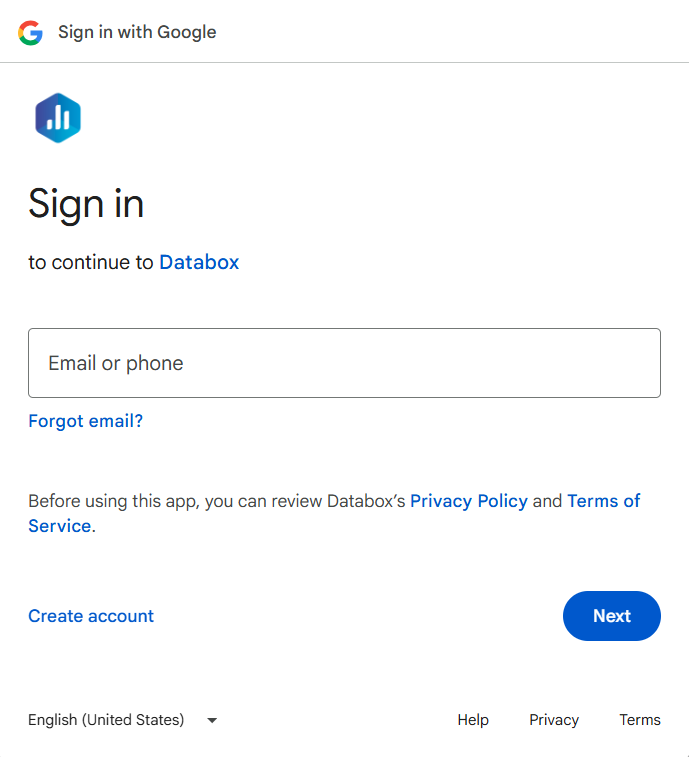
On the Google sign-in screen, enter your Email or phone and click Next, then enter your password to complete sign-in.
After authorization, select the AdSense publisher account you want to report on. If your Google account has access to multiple AdSense accounts, you will be prompted to choose the specific account you want to connect to Databox.
For comprehensive details on metrics, data availability, templates, specifications, usage guidelines, and other key information, refer to the resources listed below.


FAQ
Does Databox make any changes to my AdSense account or ad units?
No. Databox requests read-only access to your AdSense reporting data. No changes are made to your ad units, account settings, or earnings. You can revoke access at any time from your Google Account under Security > Third-party apps with account access.
Why does Databox require a Google account sign-in instead of an API key?
Google AdSense uses OAuth 2.0 for authorization. This means Databox connects through your Google account rather than a manually generated API key. The OAuth flow grants Databox a scoped, revocable token that limits access to AdSense reporting data only.


