


Deleting your account permanently closes your Databox account and removes all your profile information, user-generated content, and stored data from our systems. This is the right step if you're leaving Databox for good — if you're only pausing or plan to return, canceling your subscription is the better option.
- Go to Account Management > Company information.
- Scroll to the Delete account section and click Delete account.
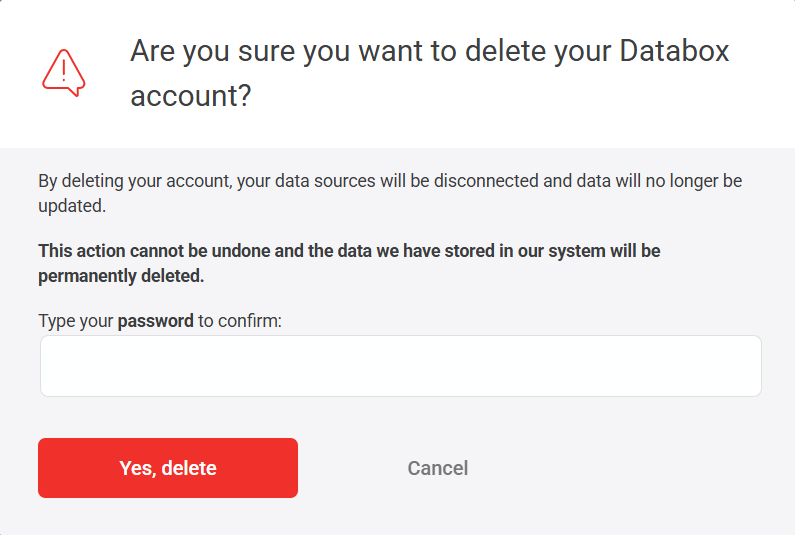
- In the confirmation dialog, type your password to confirm.
- Click Yes, delete.

FAQ
What happens to my data sources after I delete my account?
Your data sources will be disconnected and all associated data stored in Databox will be permanently deleted. The third-party platforms themselves (e.g., Google Analytics, HubSpot) are not affected — only the connection and the data synced to Databox is removed.
What happens to users I added to my account?
All users associated with your account lose access immediately upon deletion. They will not be able to log in or access any content previously shared with them.


