
Availability
 Users, Editors, and Admins
 All organizations and accounts
 One or more features exclusive to select subscription plans or add-ons
CallRail is a call tracking and marketing attribution platform designed to help businesses measure the impact of their marketing efforts on inbound calls and form submissions. It tracks phone calls generated from online and offline campaigns, attributes them to specific sources, keywords, and landing pages, and provides detailed insights into caller behavior and engagement. In addition to call tracking, CallRail captures web form submissions, allowing teams to monitor both phone and form conversions in one system.
If your credentials don't include full access to the data source, make sure your access level meets any permission requirements listed in the Specification section of the integration's page in the Metric Library.
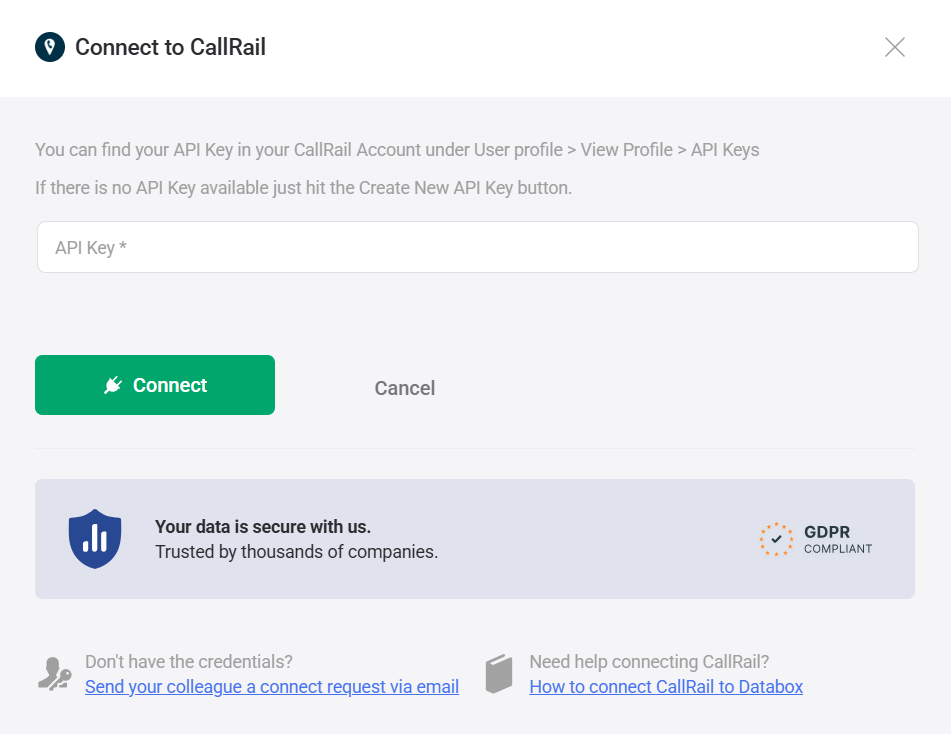
Follow CallRail's official guide to access your API Key.
Keep your API Key readily available, as you'll need to enter it in the next step.
To connect CallRail to your Databox account for the first time or with new credentials, enter the API Key information obtained in the previous step.
If you've already established a connection, you can reuse it to add new accounts, as long as those accounts are accessible with the existing connection's credentials.
Choose the CallRail account you want to report on.
The CallRail integration allows you to create custom metrics using the metric builder, ideal for visualizing data not included in the basic metrics offered by the integration.
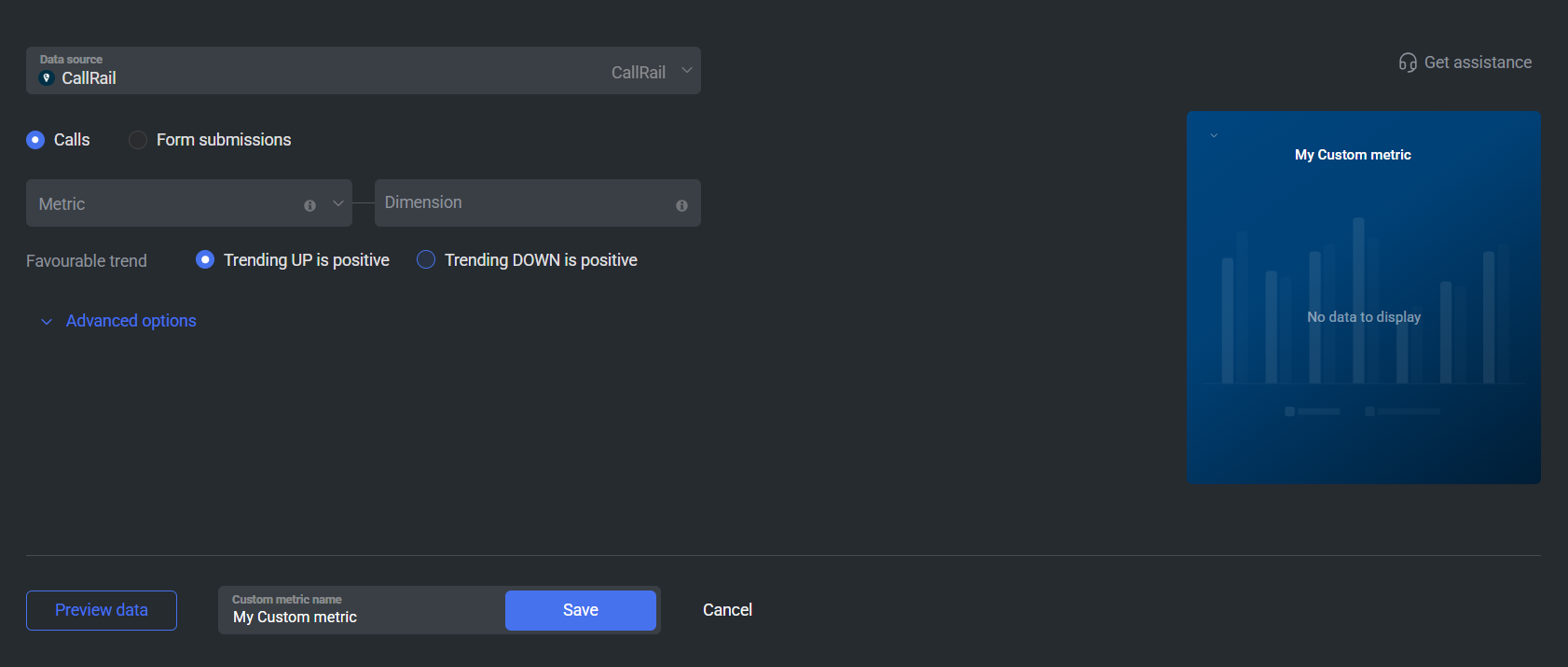
To create a custom metric, start by selecting a metric from the "Metric" selector. Next, customize your metric by optionally adding a dimension and applying one or more filters. The available options depend on the selected entity and data type (e.g., number, text, etc.).
The entities accessible for metric creation are listed below.
Access call performance metrics such as Answered Calls, Missed Calls, Total Calls, First Time Callers, Leads, and Average Duration. These metrics can be broken down by dimensions like Campaign, Company, Keyword, Landing Page, Referrer, and Source to help you analyze call activity across your marketing channels. Use these breakdowns to compare performance, identify high-converting campaigns, and evaluate call handling effectiveness.
 In CallRail: Go to the Analytics > Activity > Call log section.
Access the Form Submissions metric to measure website form conversions tracked in CallRail. This metric can be broken down by Campaign, Keyword, Landing Page, Referrer, and Source, allowing you to evaluate which marketing efforts generate the most inquiries and leads.
In CallRail: Navigate to the Analytics > Activity > Form Submissions section.

The CallRail integration supports the creation of datasets, which allow you to structure and format your CallRail data for more flexible reporting in Databox. By organizing your data into a tabular format, datasets make it easier to filter, segment, and visualize key metrics across projects, clients, and team members.
The entity relationship diagram (ERD) below illustrates how data is organized within the CallRail integration, displaying the available views and columns, as well as the relationships between them (primary and foreign keys). This diagram represents the schema, or structure, of the data and helps you understand the underlying data model. With this context, you can create datasets using the relevant views and columns to build custom metrics tailored to your reporting needs.
For comprehensive details on metrics, data availability, templates, specifications, usage guidelines, and other key information, refer to the resources listed below.


FAQ
Why are certain entities or properties unavailable in the metric builder?
The metric builder pulls raw and analytics data from CallRail's APIs. If an entity or property is missing, it is likely due to limited API support or technical implementation restrictions. If there's something you'd like to see included, feel free to submit a request, so we can consider it for future updates to the integration.


