


SurveyMonkey is an online survey platform that helps teams design and distribute surveys, collect responses at scale, and analyze results with built-in reporting tools. It supports a wide range of use cases including customer satisfaction (CSAT and NPS), employee engagement, product feedback, event registration, market research, and academic studies. Connecting SurveyMonkey to Databox brings your survey results directly into your Databoards and reports, alongside all your other business metrics. Once connected, you can track response trends over time, monitor satisfaction scores, visualize survey data in custom charts and scorecards, and share results with stakeholders in the context of your broader performance data.
If your credentials don't include full access to the data source, make sure your access level meets any permission requirements listed in the Specification section of the integration's page in the Metric Library.
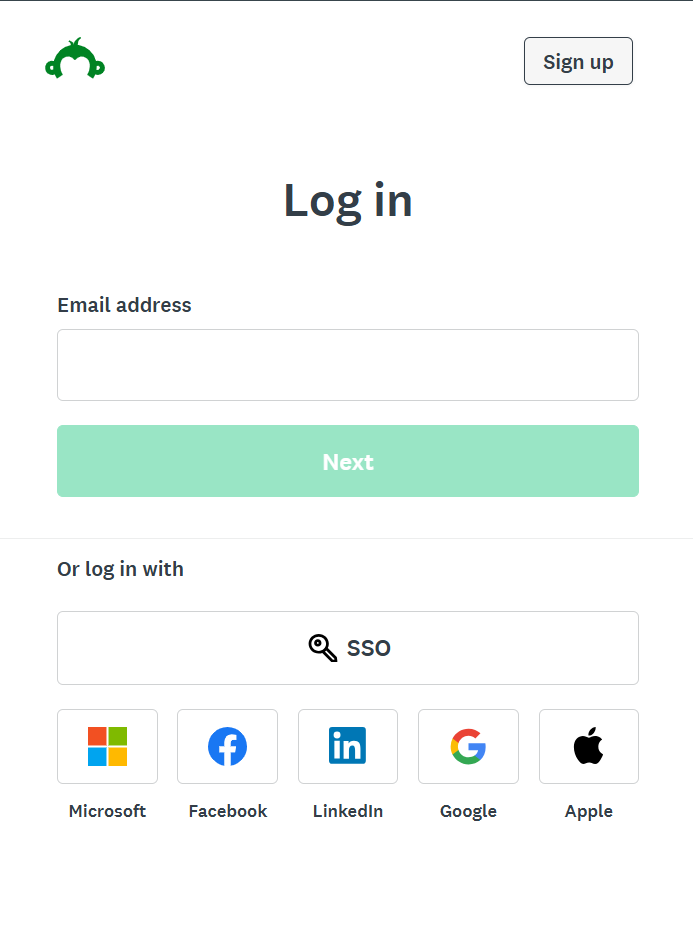
To connect SurveyMonkey to your Databox account for the first time or with new credentials, log in using your email address, or sign in via SSO, Microsoft, Facebook, LinkedIn, Google, or Apple.
Review the permissions Databox is requesting and click Authorize to complete the connection.
For comprehensive details on metrics, data availability, templates, specifications, usage guidelines, and other key information, refer to the resources listed below.


