


Infusionsoft by Keap is an all-in-one CRM and marketing automation platform built for small businesses. It combines contact management, email marketing, sales pipeline tracking, and workflow automation into a single system, helping teams capture leads, nurture relationships, and close deals without switching between tools. Connecting it to Databox brings your CRM and campaign data into shared Databoards, so you can monitor performance trends, track pipeline health, and report on marketing outcomes alongside data from your other tools.
If your credentials don't include full access to the data source, make sure your access level meets any permission requirements listed in the Specification section of the integration's page in the Metric Library.
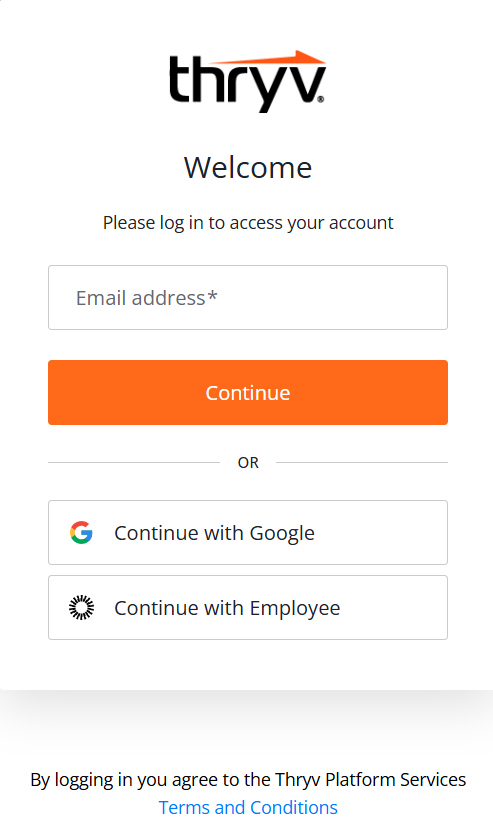
To connect Infusionsoft by Keap to your Databox account, a login page will open.

Enter your Email address and click Continue, or use Continue with Google if your account is linked to a Google login. Once authenticated, Databox will be authorized to access your account data.
For comprehensive details on metrics, data availability, templates, specifications, usage guidelines, and other key information, refer to the resources listed below.


