


Accounts let you deliver personalized tracking and reporting that aligns with the goals of each client, location, or brand, improving collaboration and simplifying workflows. By isolating each account's data and configurations, your organization maintains a professional and secure structure that supports scalability. This article walks you through creating an account so you can unlock these benefits.
There are three ways to create an account in Databox:
- On the Accounts page, click + New account.
- On the Account Management > Accounts page, click + Add account.
- In the navigation bar, open the Switch Account dropdown and click + Add new account.
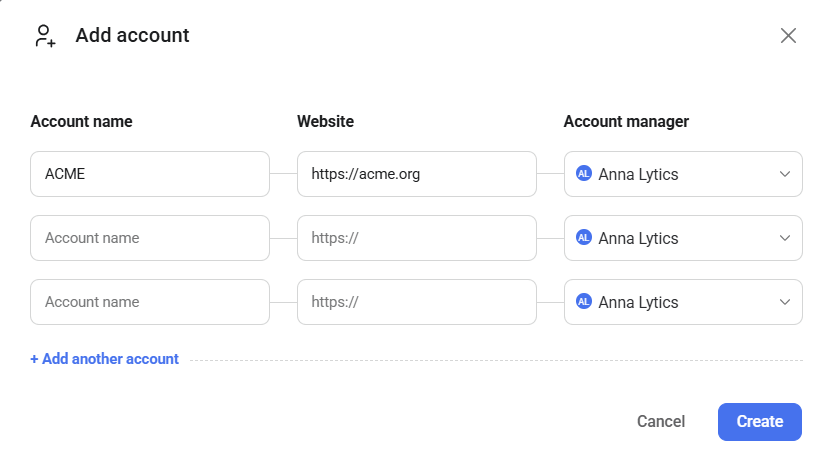
Multiple accounts can be created simultaneously. For each account, you will need to provide its name and assign an account manager. Optionally, you can also include a website.
To adjust an account's settings, permissions, or user access, navigate to Account Management > Accounts, locate the account you want to modify, and click Edit next to it.
FAQ
How many accounts can be created in total?
The number of accounts you can create depends on your subscription plan. Visit the Databox pricing page for details on plan limits.


